Reverb Remover 2
Take the room out of the recording.
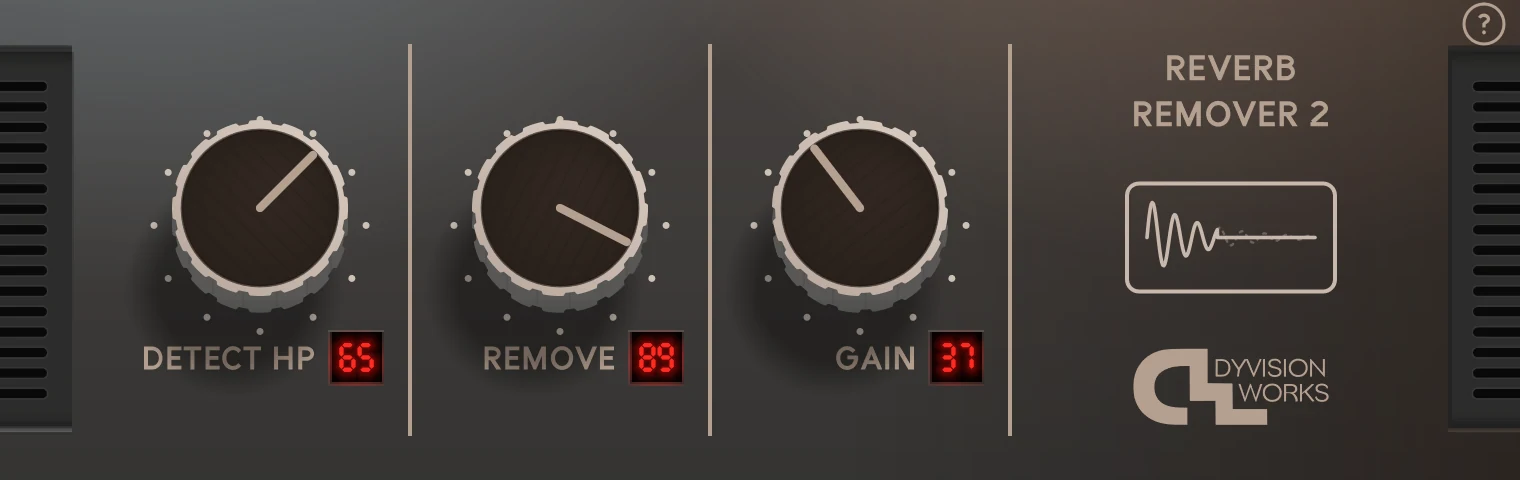
A vocal recorded in a bedroom. Dialogue caught in an echoey hall. An interview in a hotel room. Reverb Remover 2 pulls the room back and puts the voice right up front: dry, close and clear. Three knobs, results in seconds.
Windows 64-bit VST3 only. No Mac version yet.
Not sure yet? Try the free demo.
Hear the difference
Each clip plays the original recording, then the same recording through Reverb Remover.
Example 1
The original recording, then through Reverb Remover 2
Reverb Remover 2 Before & after
For the places you actually record in
Not everything gets recorded in a treated studio. Reverb Remover 2 is for everything that wasn't.
Vocals & voice-over
Record at home and still sound like you were in the booth. Dial out the reflections that make a voice sound far away.
Podcasts & interviews
Hard walls, big windows, no foam in sight. Bring every guest forward so each word lands.
Film & location sound
Dialogue from corridors, stairwells and empty rooms. Tighten it up so it sits with the rest of the scene.
Instruments & drums
Shorten the ring of a roomy snare, tidy up overheads, or dry out an amp that was recorded in a big space.
Three knobs. No guesswork.
No menus, no learning curve. Turn it up until the room is gone, then stop.
Stops rumble, traffic and boomy bass from fooling it, so it focuses on the part of the sound that matters.
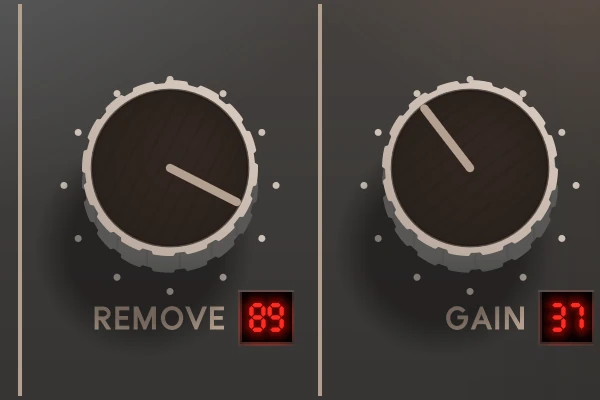
How much of the room to take away. A little tidies things up; turn it up for a bone-dry, close-mic sound.
Brings the level back up, so you can compare before and after at the same loudness.
Sharp on any screen. Ready while you record.
- Freely resizable. Drag the window bigger or smaller and the interface stays crisp, from a laptop to a 4K monitor.
- Zero latency. Put it on a live mic or a talkback channel and nobody will hear a delay.
- Works at the sample rate you work at. 44.1, 48 or 96 kHz.
- Every knob can be automated. Ride the amount through a scene or a song.
- Built-in help. Click the ? on the panel and every control explains itself.
Try the real thing. Free.
The demo is the complete plugin: every knob, every sound, in your own sessions on your own tracks. Take your time, and buy when you're sure.
The demo goes silent for one second every 30 seconds, and the panel says DEMO VERSION. Buy the full version and both disappear.
Buy it once.
Use it everywhere.
No dongle, no serial number, no online activation. Install it on your studio machine and your laptop and get on with your work. I’d rather spend my time making plugins than making you jump through hoops.
DyVision Works is one person: me. I make every plugin myself, and if you email, the person who made it writes back.
- 00Dongles to plug in
- 00Serial numbers or online activations
- 01Instant download, and you're recording
DyVision plugins are made by one person and used by one of the world's largest video game companies, recording and film studios, radio stations, and producers who just want better-sounding audio.
What you get
- Format
- VST3, 64-bit
- System
- Windows 10 and 11 only. No Mac version yet.
- Channels
- Mono and stereo
- Sample rates
- 44.1 to 96 kHz
- Latency
- None
- Interface
- Freely resizable, sharp on 4K screens
- Delivery
- Instant download
- Copy protection
- None
Clean up your next recording today
Windows 64-bit VST3 only. No Mac version yet.